
What is UI Design?

?What is UI Design
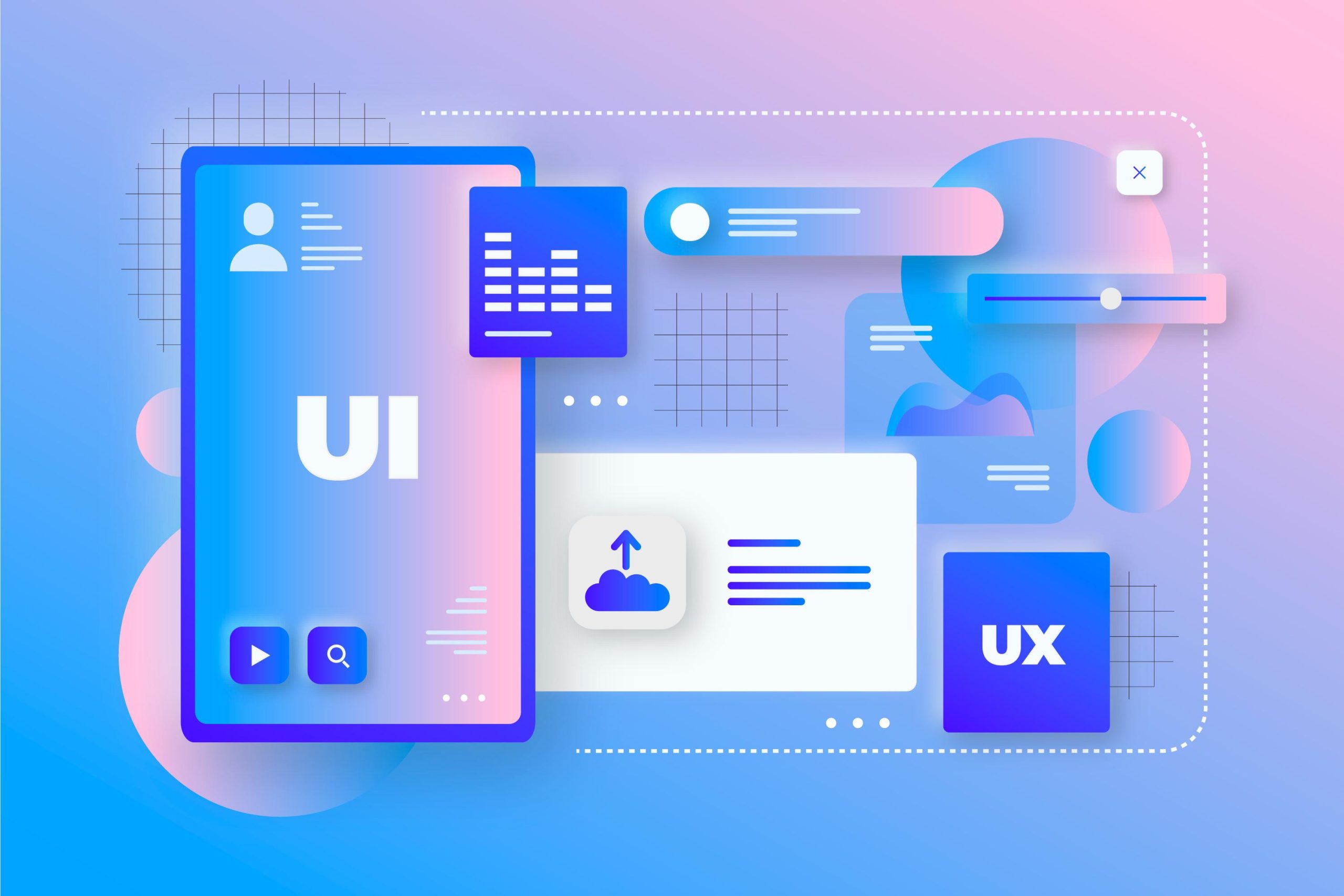
UI Design (User Interface Design) refers to the process of designing the visual elements and interactions between the user and a system, application, or website. The main goal of UI design is to create a simple, attractive, and user-friendly experience for individuals who interact with the digital product. In essence, the user interface is everything the user sees and interacts with: buttons, menus, forms, icons, colors, fonts, and all other visual elements.
The Importance of UI Design
In today’s world, where users are exposed to many different websites and applications, having a proper UI design can make a significant difference in attracting and retaining an audience. If the interface is complex and difficult to use, users may have a bad experience and leave your website. Therefore, UI design not only contributes to the aesthetic appeal of the site but also has a significant impact on functionality and user experience (UX).
Key Components of UI Design
Layout: The arrangement and organization of different elements on a page. A good layout helps the user easily access information.
Colors: Choosing the right colors helps create visual appeal and harmony in the design. Colors can also convey specific messages to the audience.
Fonts: Using appropriate and readable fonts for text improves the user experience. The right choice of fonts can have a big impact on the beauty and functionality of a site.
Icons and Images: Icons and images used on the site should align with the overall design and help the user complete tasks faster.
Interactions and Animations: Interactions such as clicking buttons, displaying menus, and transition animations can improve the user experience and add visual appeal to the site.
UI Design vs. UX Design
While UI design focuses on the visual aspects and user interactions with the system, UX Design (User Experience Design) refers to the overall experience the user has while using the system. In fact, UI is an important part of UX, but UX also deals with broader aspects such as user psychology, research on user needs, and the site’s structure.
Key Tips for Successful UI Design
Simplicity: UI design should be simple and straightforward, so users can easily navigate the site or app without confusion.
Accessibility: The design should be inclusive, allowing users with various needs, including those with disabilities, to use the site comfortably.
Immediate Feedback: When the user interacts with the site, they should receive immediate feedback to confirm they are performing the right actions.
Responsiveness: The UI should automatically adapt to different screen sizes and display properly on mobile, tablet, and desktop devices.
Conclusion
UI design is a crucial element in the success of a website or app. It helps users have a smooth, attractive, and user-friendly experience. UI design should be simple, accessible, and consistent, allowing users to have a positive experience with your website or app.